 |
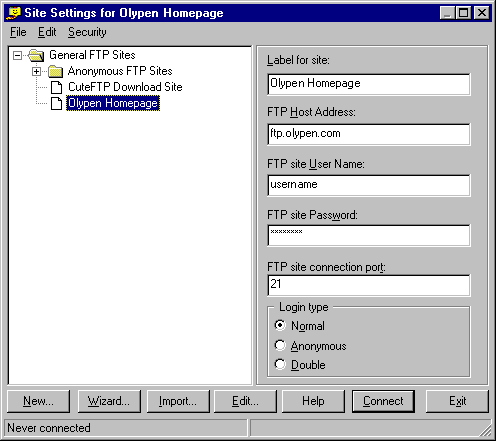
Select Wizard..
down the bottom of the screen. |
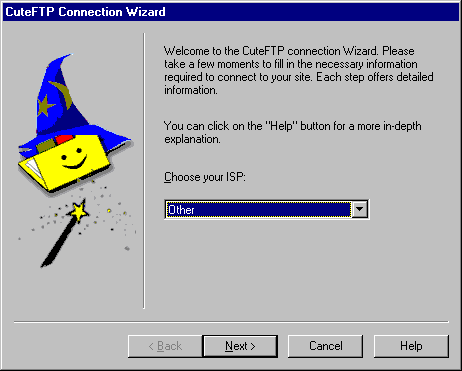 |
Choose your ISP:
Other |
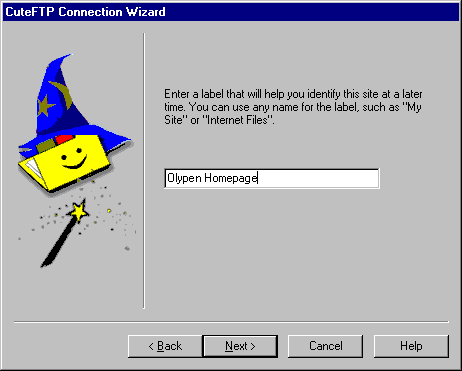 |
In the Box type in:
OlyPen Homepage |
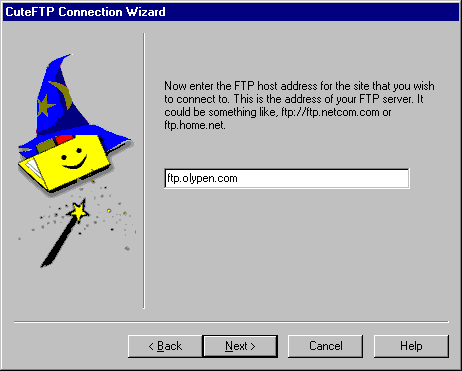 |
Host address:
ftp.olypen.com |
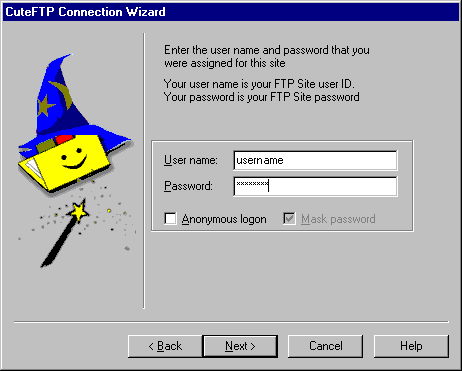 |
Username:
Your OlyPen username
Password:
Your OlyPen password |
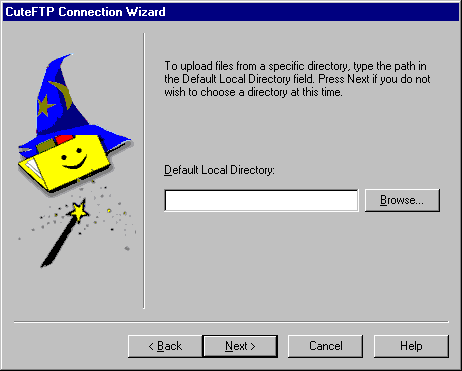 |
This is Optional -
If you have a directory on your Hard drive where all the files
for the site are located, you can enter it in here. |
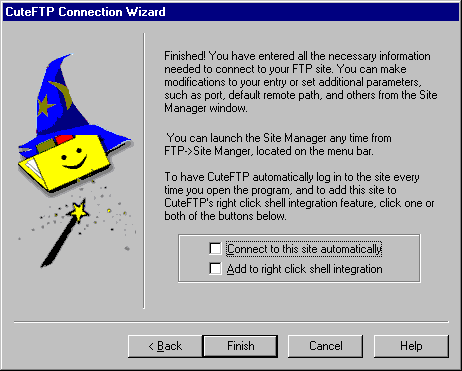 |
Nothing should be selected.
Make sure you press Finish to save the settings:) |
|
|
To connect to the ftp server click Connect. |
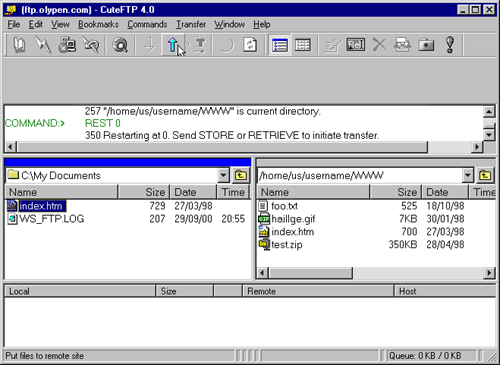 |
To upload a file, select the directory and filename on the Left hand
side window then click the "UP" arrow on the Toolbar.
This will upload the file and you should see if on the Right hand side
window. |





