Home
>
Support
>
Windows 3.1
>
Dialing Up (Win3.1)
>
Dial Settings
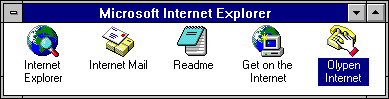
In the
Program Manager
, go to the
Microsoft Internet Explorer
group and double-click on the
OlyPen
icon.
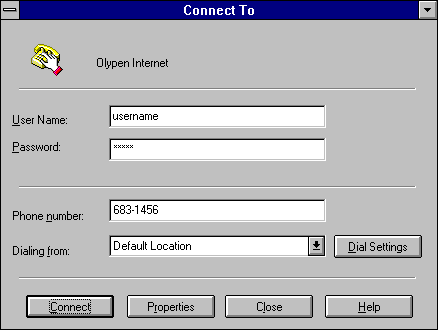
On the
Connect To
dialog:
Click on
D
ial Settings
to change the Area Code and Country location for your computer.
All Content © 2003 OlyPen