Home > Support > Windows 3.1 > Internet Explorer Options


ico_wht.gif (599 bytes)
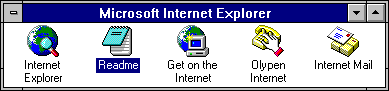
grp_msie.gif (3340 bytes) Start Internet Explorer by double-clicking on the icon in the Program Manager
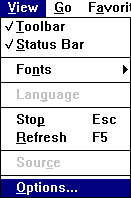
mnu_opt.gif (1545 bytes) Go to the View menu and select Options...

NOTE: The Options... menu item will usually be greyed-out until you can load a Web Page, even a local one.

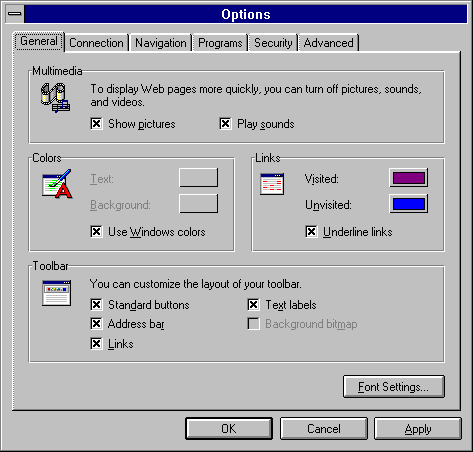
opt_gen.gif (9385 bytes) On the General tab:

You can change the default fonts used on your web pages by clicking on the Font Settings... button.

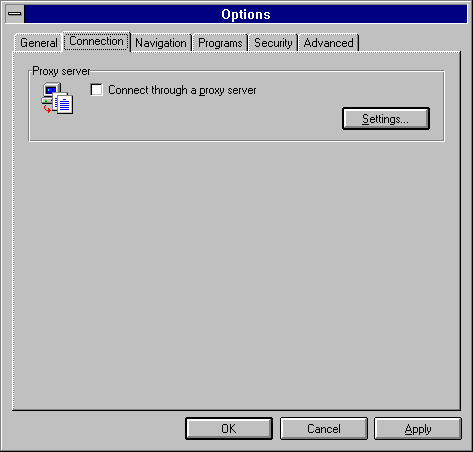
opt_con.gif (4898 bytes) On the Connection tab:

Connect through a proxy server: UNCHECKED.

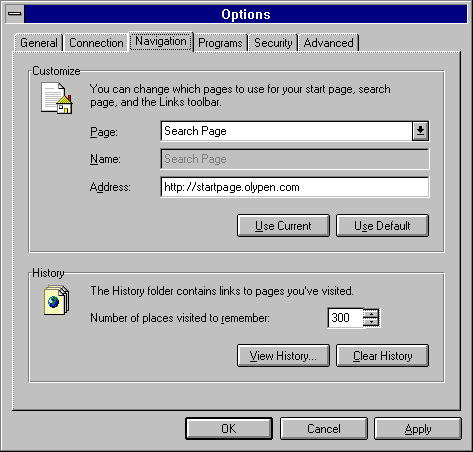
opt_nav2.gif (9030 bytes) On the Navigation tab:
  • Page:
    Search Page
  • Address:
    http://startpage.olypen.com
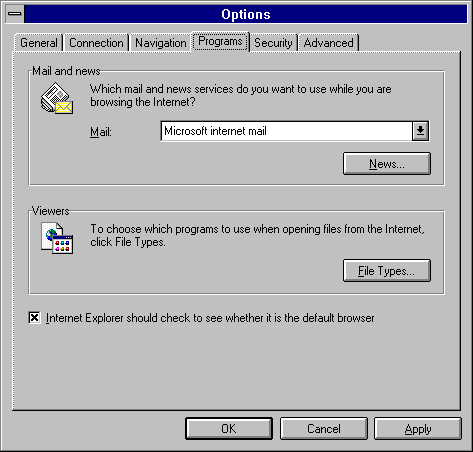
opt_prg.gif (8018 bytes)
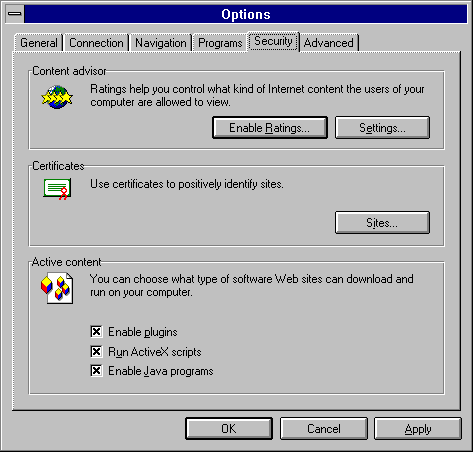
opt_sec1.gif (8485 bytes)
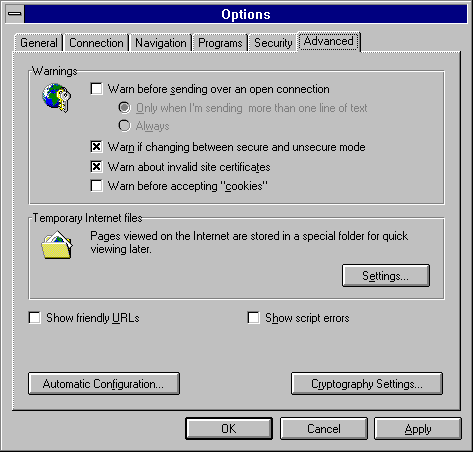
opt_adv.gif (9025 bytes)


All Content © 2003 OlyPen