 |
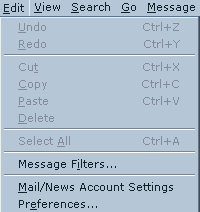
In Netscape Mail click Edit then Mail/News Account
Settings. |
 |
Select New Account to add a new email account. |
 |
Select:
ISP or email provider |
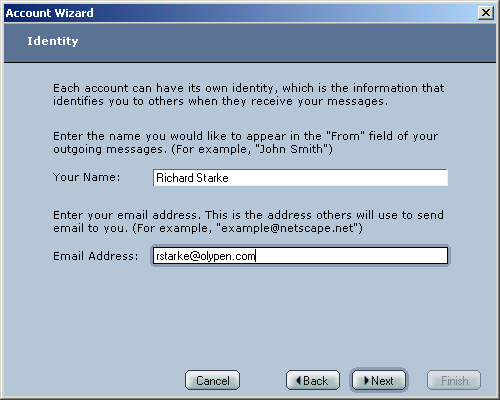 |
Your Name: Your Full Name
Email Address:
Your OlyPen Email Address |
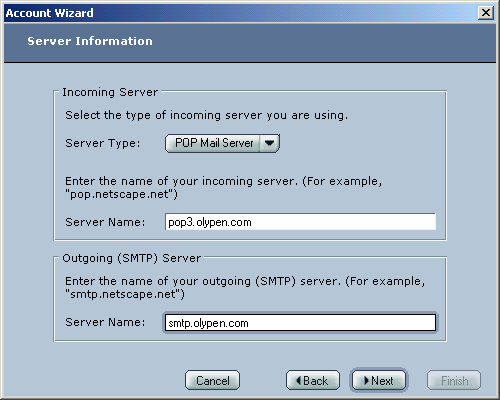 |
Incoming Server Name:
pop3.olypen.com
Outgoing Server Name:
smtp.olypen.com |
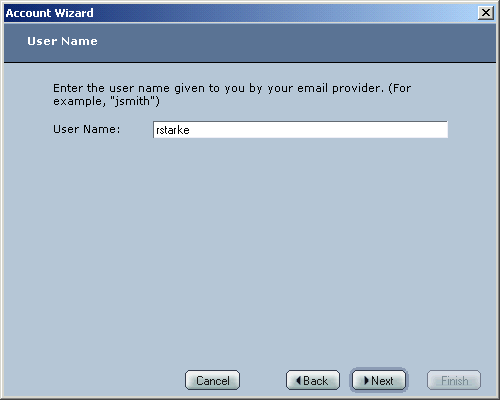 |
Username:
Your OlyPen Username |
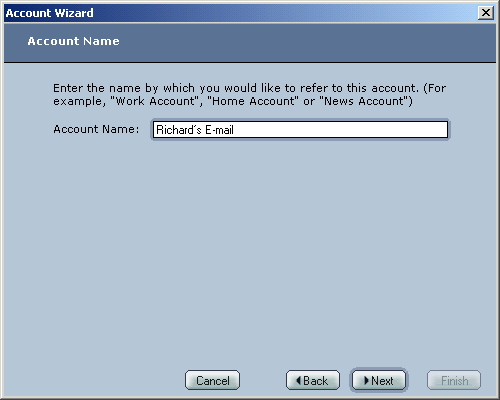 |
Account Name:
Enter a Friendly Name for the account. |
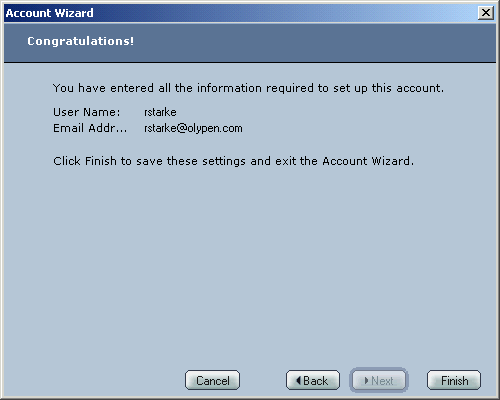 |
Press Finish to complete the wizard. |
| |
|




