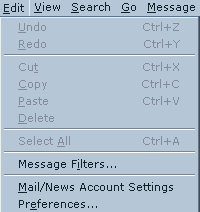
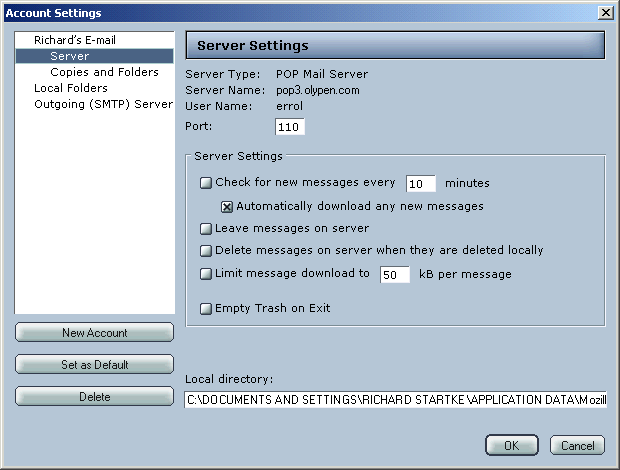
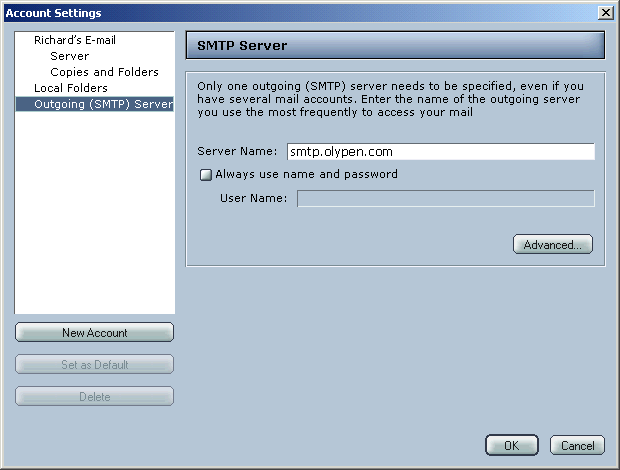
In Netscape Messenger click Edit then Mail/News
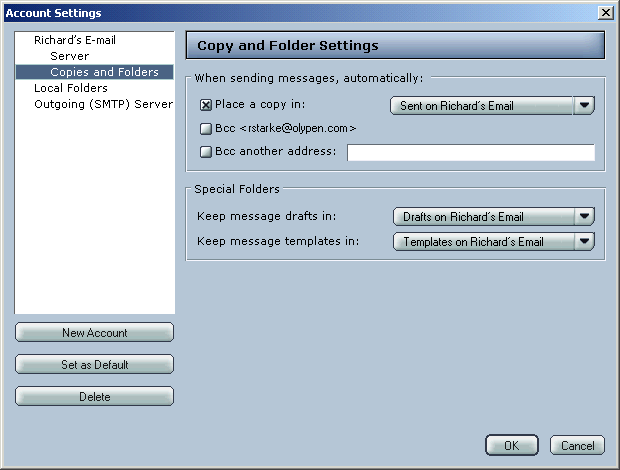
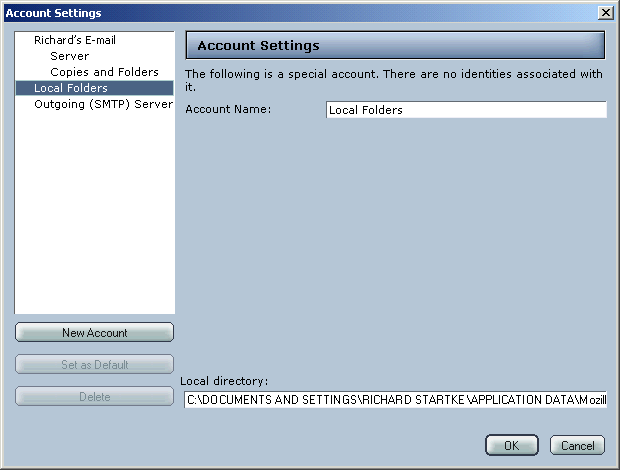
Account Settings.
Account Name: Is a Friendly name - you can type
any name you wish
Your Name: Your normal Name
Email Address: Your OlyPen email address
If you wish to change the Pop Server, username etc you will
need to remove this account by pressing the Delete button then recreating
the Account by clicking New
Account.