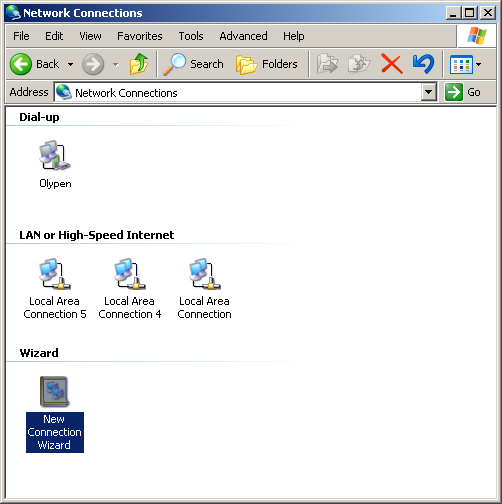
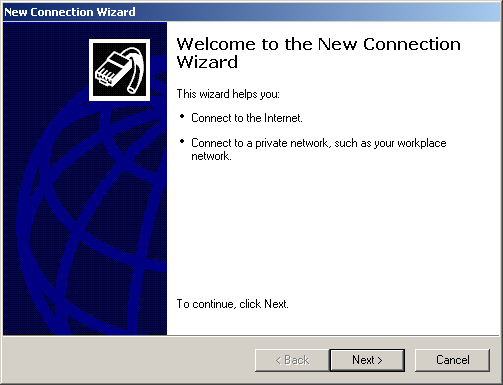
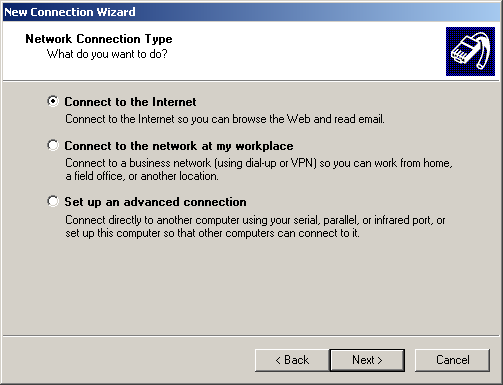
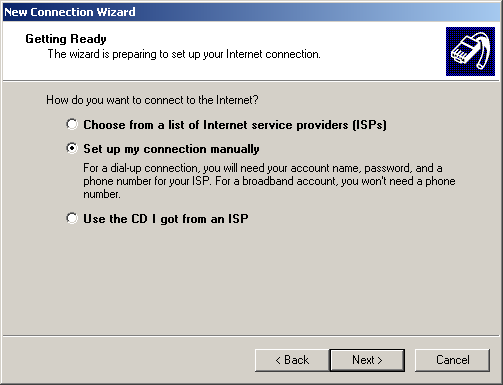
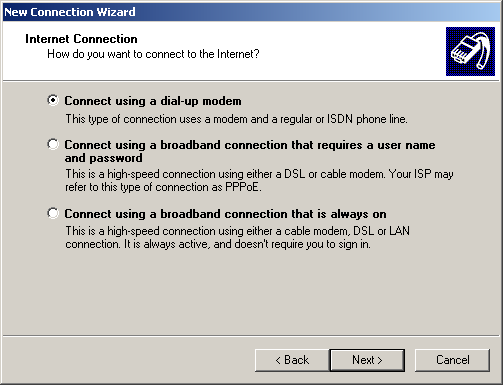
Choose Set Up my Connection Manually then press
Next.
Connect using a Dial-Up modem should be selected then
press Next.
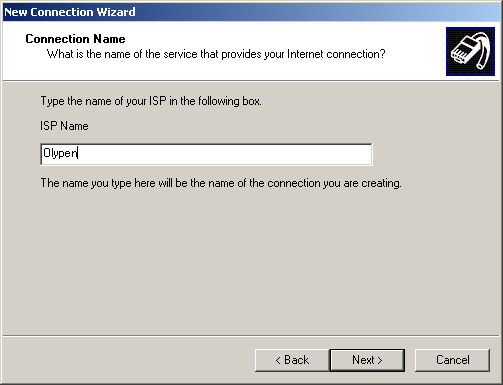
ISP Name: OlyPen
Press Next.
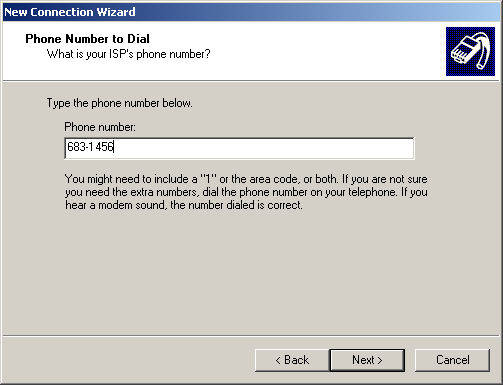
Please choose the dial-up number closest to
your location:
681-3369 for Sequim / Port Angeles
(56k/ISDN)
379-3650 for Port Townsend
(56k/ISDN)
374-9747 for Forks
(56k/ISDN)
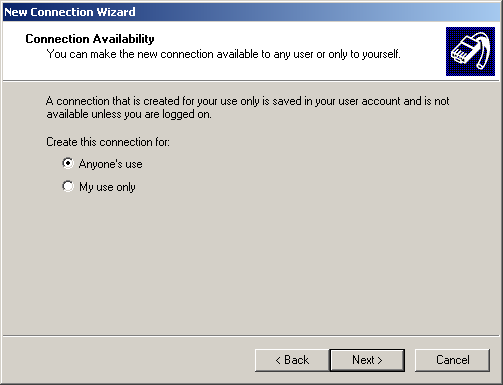
This setting is up to the user - if your PC is being
used by multiple people and you don't want them to use your OlyPen
connection then select the bottom option.
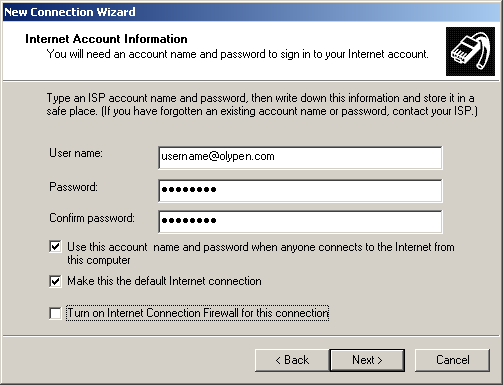
UserName: Your OlyPen email address - make
sure it is all lowercase & no spaces.
Password: Your OlyPen
Password
These 3 options can be changed if needed - its up to the user.
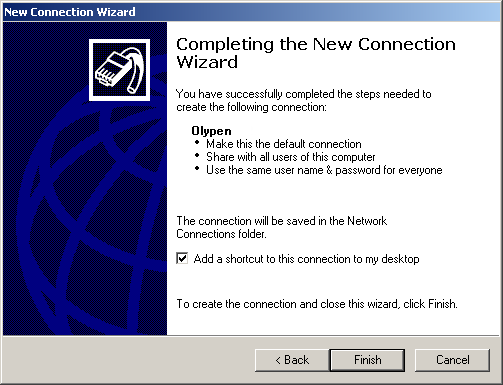
Press Finish to save the settings and your done
:)