Home
>
Support
>
Windows
>
Outlook 2000 Settings
>
Creating a New Mail Account
Setting up a new Mail Account
-
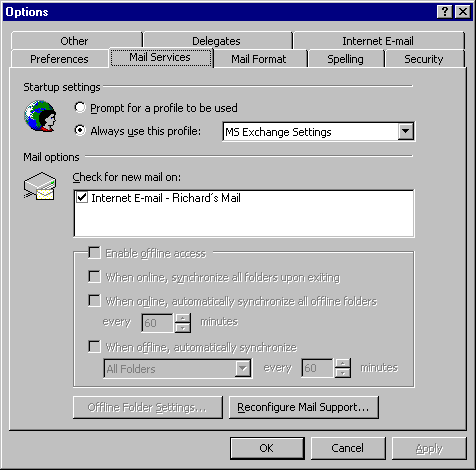
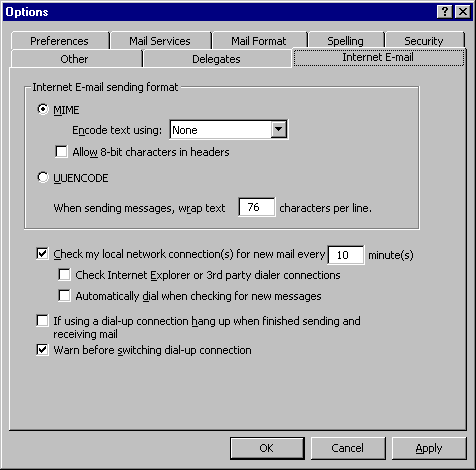
Editing Mail Account preferences
Double-click on the
Microsoft Outlook
icon on the Windows Desktop.
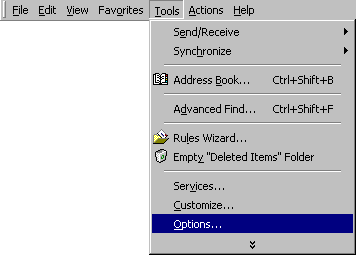
Go to the
T
ools
menu and select
O
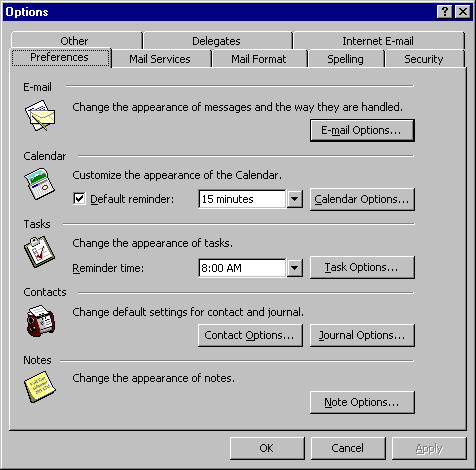
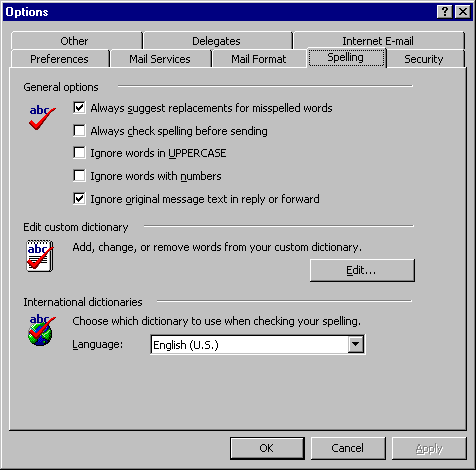
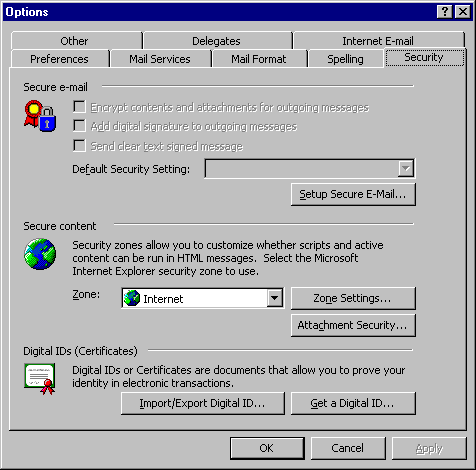
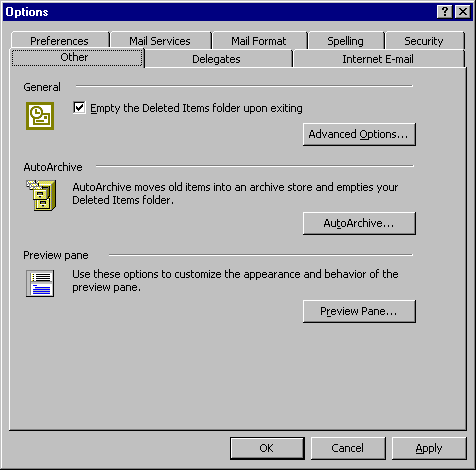
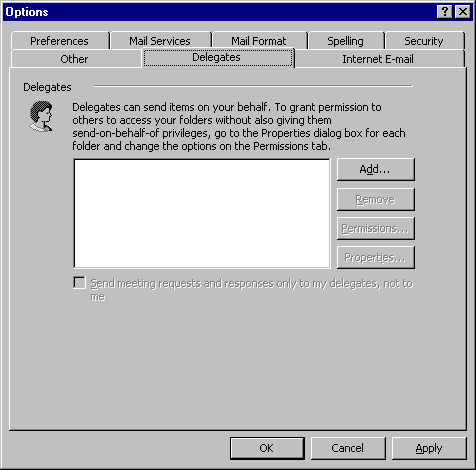
ptions...
See also:
E-mail Options...
See also:
Advanced
O
ptions...
Au
t
oArchive...
P
r
eview Pane...
All Content © 2003 OlyPen






)
)
)
)
